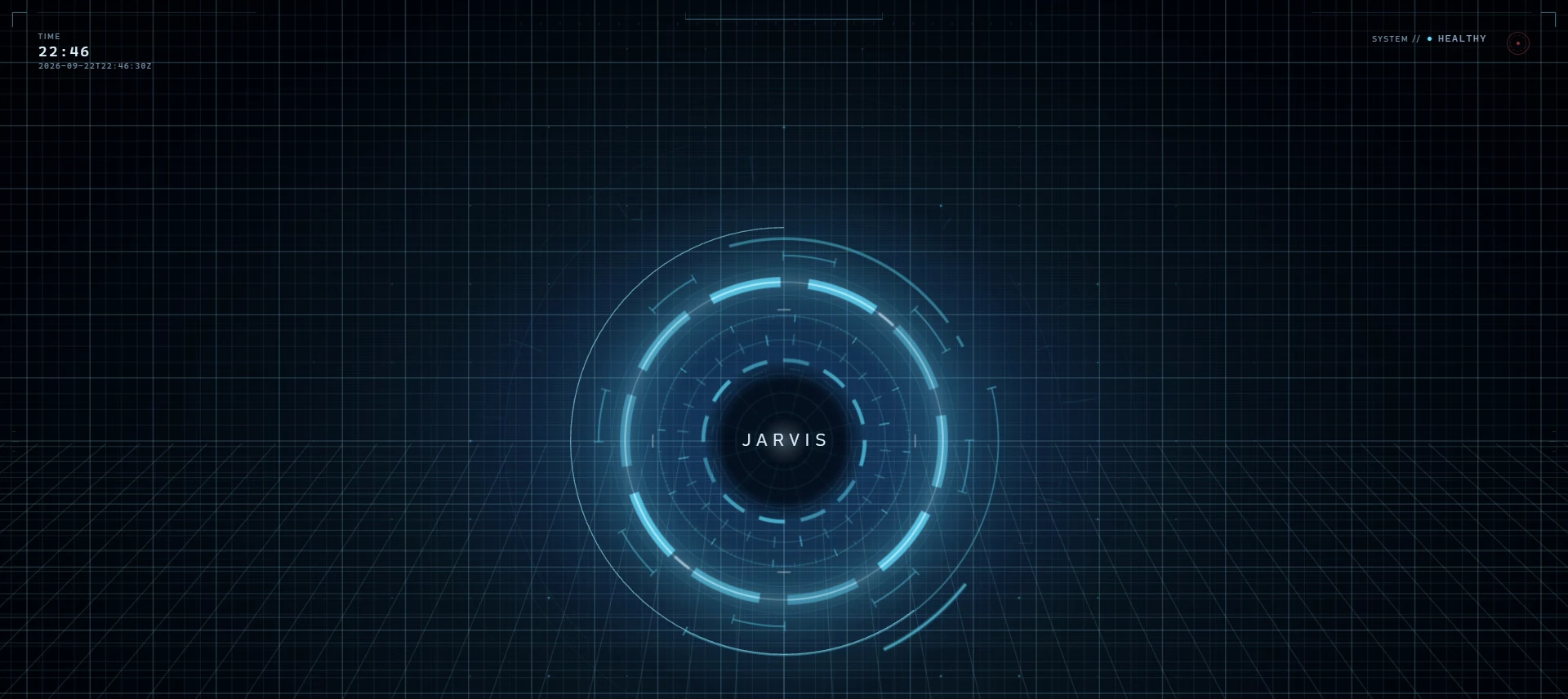
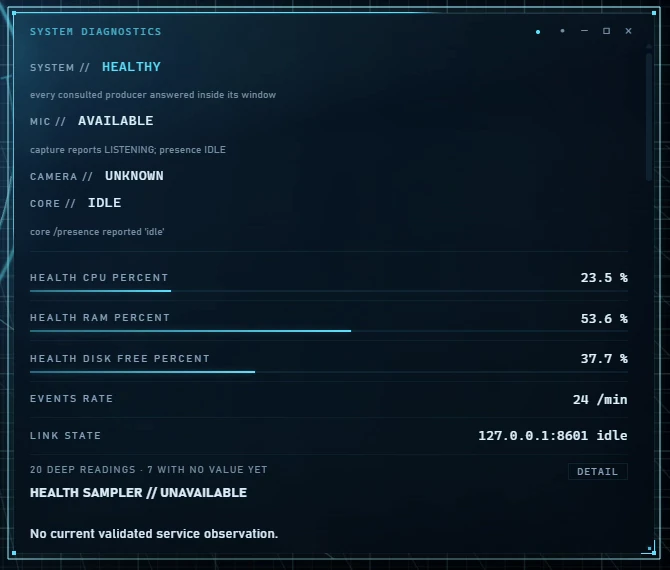
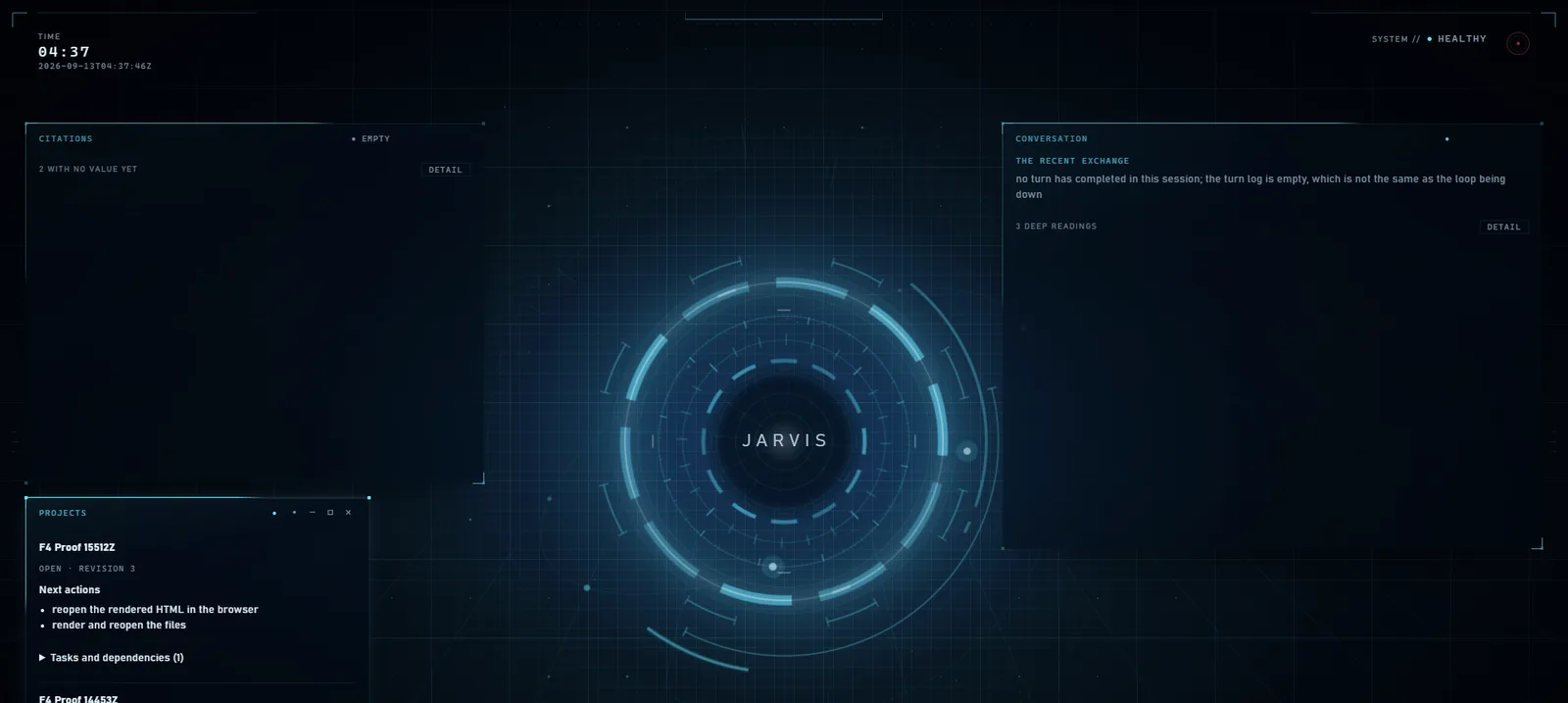
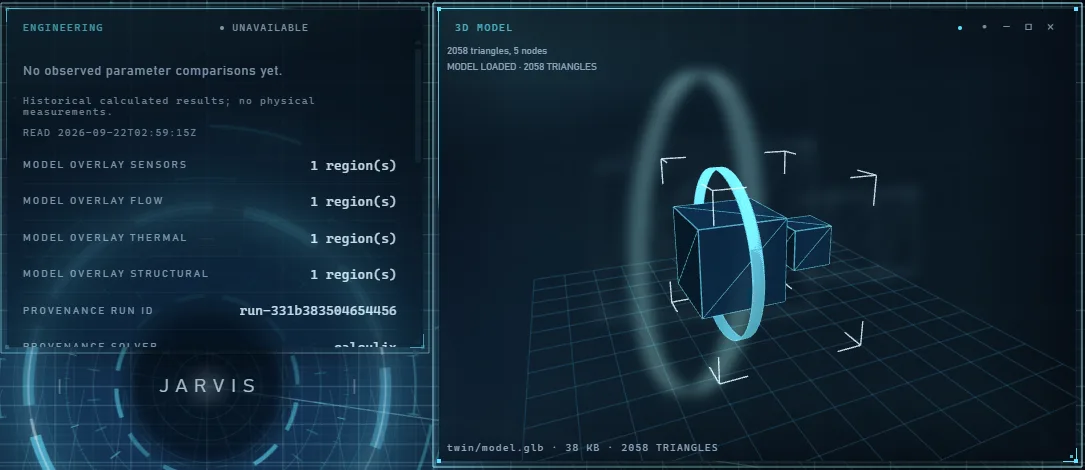
A display on an AI system is a strong claim-making surface. A green light, a gauge or a temperature reading all tell the viewer something is true. JARVIS’s HUD is built on the idea that it should say only what the system can back up, and should say clearly when it cannot.
One HUD
There is one page, served at the root of a loopback-only HUD port. What look like separate screens are internal layout contexts called workspaces, not separate windows. The page is built from plain JavaScript modules plus three.js for the spatial layer. It is hosted either in a browser kiosk or in a small Python shell on the system WebView2. Electron and Tauri were rejected for their GPU cost, on a card that also has to hold speech and language models. An earlier React and TypeScript HUD is no longer served by the runtime.
Why only one? Two displays can drift apart and show two versions of the truth. One of the project’s method lessons is that “Two panels that look alike are not the same panel.” A single surface with a single state source avoids that.
The truth contract
The HUD’s governing rule is “Nothing renders without a source and an observed instant.” In practice:
- Every telemetry cell carries a data source and an observed time, and every widget payload carries a source and an observed UTC time.
- Missing data shows as absent or unavailable, never as zero. A truthful “no reading” beats a plausible fake number.
- Stale data is labelled stale. It may never be re-sent with a new timestamp.
- Completed-but-unverified is never green. If an effect returned but the observer could not read it back, the HUD says COMPLETED-UNVERIFIED. A failed rollback shows ROLLBACK FAILED / OWNER ACTION, never success.
- Backpressure may drop a superseded reading, never an event. Skipping an old temperature is fine. Skipping “approval requested” is not.
A no-synthetic-data test fails if any panel renders a hard-coded or placeholder value. Colours follow the truth distinction: computed or simulated values look different from measured ones, green means verified, healthy or complete, amber means attention, and red is reserved for critical, denied, unsafe or E-stop. The word is always shown alongside the colour.
States and widgets
JARVIS’s body is always in one of 21 named states, such as LISTENING, PLANNING, CONFIRMATION_REQUIRED, EXECUTING, SPEAKING, INTERRUPTED, DEGRADED, PRIVACY_LOCKED, ESTOPPED and RECOVERY_REQUIRED. Each of the 30 registered widgets has a presentation state: dormant, peek, expanded, focused or pinned. The page cannot invent a state. A server-side PresentationController decides which states are allowed, and the page can only render them.
Protected surfaces
Five surfaces belong to the owner alone: approvals, E-stop, identity, provenance and recording. No origin other than the owner can dismiss, restyle or cover them, including a model proposal, an automation or a widget heuristic. A widget the owner placed is never demoted by a heuristic. This matters because an approval prompt that something else could hide would not be a real safeguard.
Polling, not streaming
The HUD asks the server for its state once a second (GET /one/state). After three missed polls it declares the link lost and says so, rather than freezing on old values that look current.
Server-sent events (SSE) would have pushed updates instead. They were rejected because a held-open stream would tie up the HUD server’s single worker. A one-second poll costs little, and it makes a lost link something the HUD can detect and show.
Owner actions from the HUD go back to the same command spine as spoken commands. They read the E-stop first and then pass through the governance chain. The HUD has no private path to the world.
Accessibility
Status is never carried by colour alone. The HUD has aria-live regions for announcements, a labelled region for each telemetry cell, full keyboard control, and a reduced-motion mode that shows one still frame per state. Two audits are recorded:
| Audit | Scope | Result |
|---|---|---|
| axe-core automated scan | 62 views | 0 WCAG A/AA violations |
| Keyboard walk | 58 views at 2560×1440 and 1920×1080 | 0 findings |
These are test results. Automated scans cannot catch every accessibility problem, and this site has no record of testing with people who rely on assistive technology.
Honest scores
The project scores its own HUD against a twelve-category fidelity rubric, with a gate that requires more than 9.0 out of 10. The recorded scores averaged 2.43, with a minimum of 1.42. The gate is not met. Those scores were recorded against an older version of the surface. This site has no score for the current page.
HUD performance is recorded in the project’s acceptance document as NOT YET MEASURED. This site does not claim any performance figure for it.
What is not proven yet
- Live operation is historical. It is from 16 September 2026, and registry HUD rows have decayed to NOT_PROBED_THIS_PASS.
- Recovery after a lost link was not verified live.
- Performance is not yet measured.
- The fidelity gate is not met. The average is 2.43/10 against a gate above 9.0, on an older surface.
- Accessibility is supported by automated and keyboard audits only.
- The 3D engineering scene is on the Advanced branch, not merged into production. See engineering.